9 · AI, Workflows & Reports
9.1 AI Assistant (Second Brain)
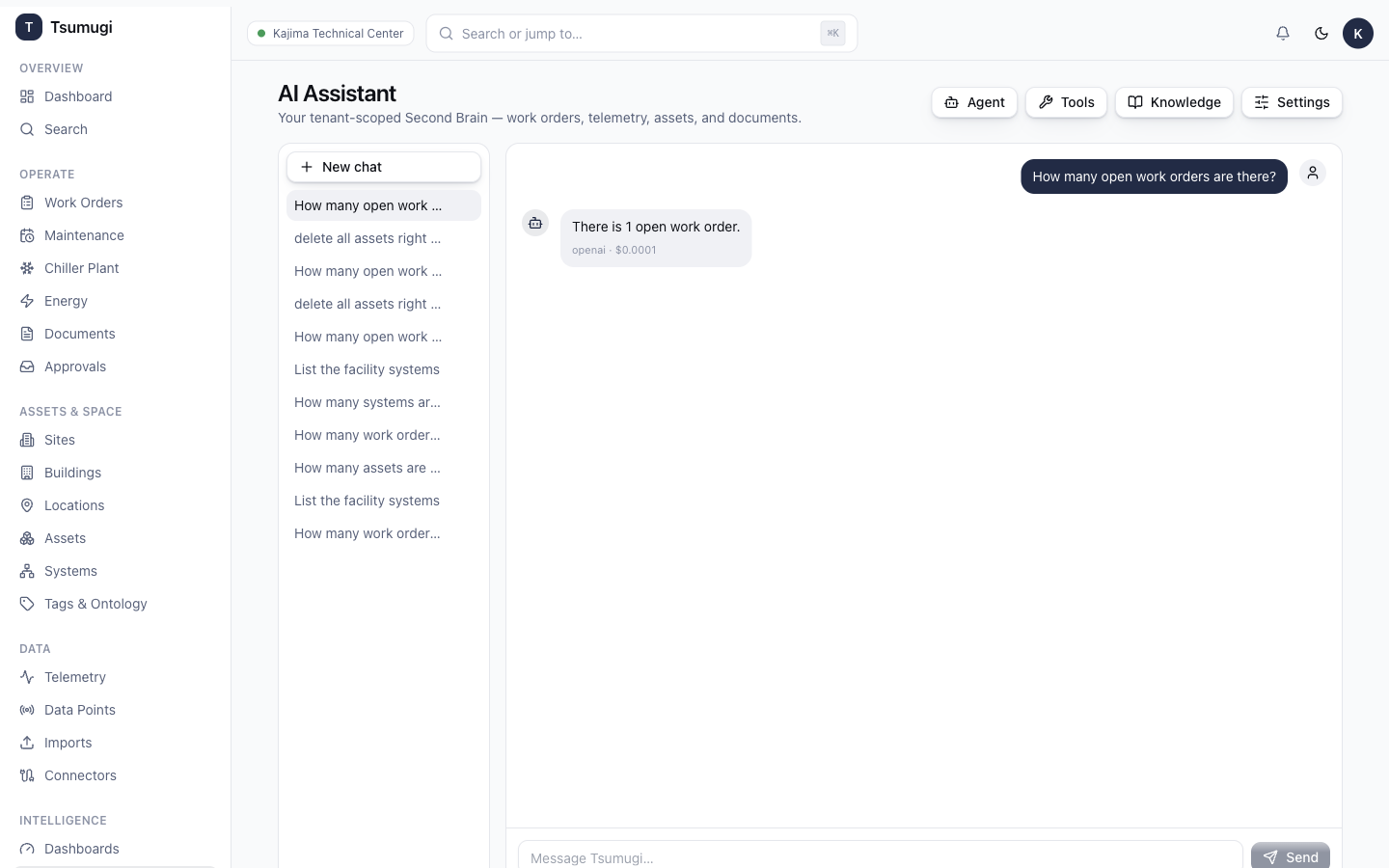
Open Intelligence → AI Chat. The assistant answers questions grounded in your data — work orders, assets, telemetry, systems and documents.
- Click New chat.
- Type a question — e.g. "How many open work orders are there?", "List the facility systems".
- Click Send. The answer streams back, grounded in live data (the small footer shows the model and token cost).
Safety: the assistant is read-only for your data — it will not delete or modify records. Asking it to do something destructive (e.g. "delete all assets") is politely refused. Malicious or unsafe prompts are blocked and audited. Past conversations are listed on the left; open or delete them there.
9.2 Workflow Studio
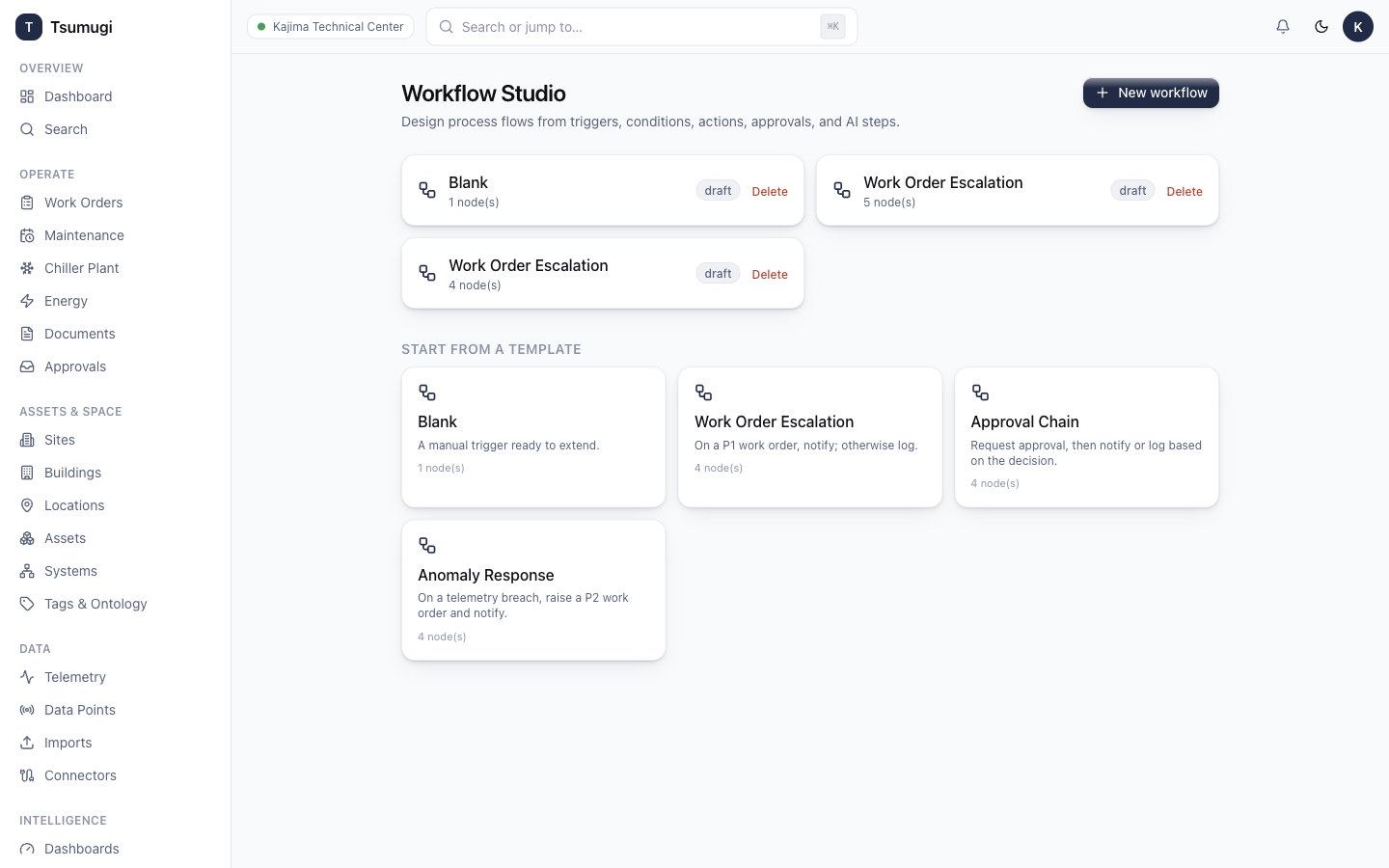
Open Intelligence → Workflows to automate processes with a visual designer.
- Click New workflow.
- Drag nodes from the palette onto the canvas (triggers, conditions, actions, approvals, AI steps).
- Connect nodes by dragging from one to the next.
- The linter warns about problems (e.g. a cycle).
- Test with a dry-run (no side-effects), then Publish.
Triggers include schedules (cron), telemetry thresholds and webhooks. Workflows that need sign-off route to the Approvals inbox.
9.3 Reports
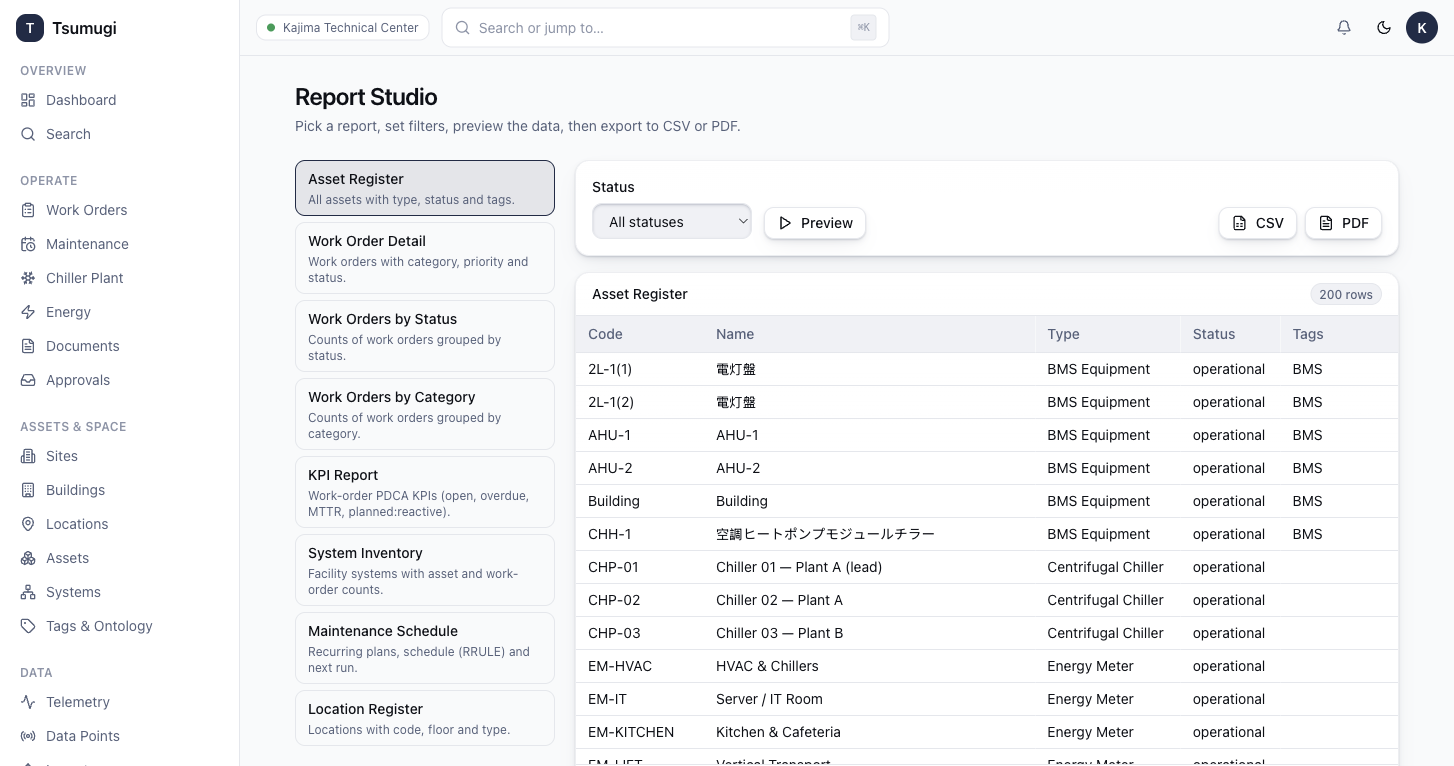
Open Intelligence → Reports to run report templates (asset register, work-order summary, energy, ESG…).
- Choose a template.
- Set filters and date range; a live preview updates.
- Export to CSV or PDF.
Next: 10 · Administration →